Back to articles
12 Best Creative Collaboration Tools for Musicians in 2025
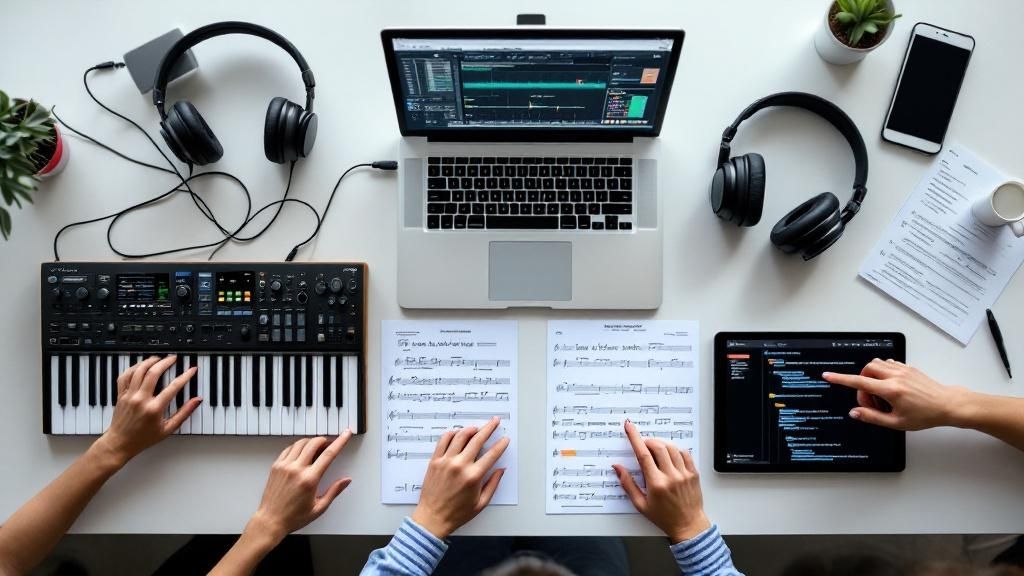
In today's music world, creation is rarely a solo act. From co-writing lyrics across time zones to sharing visual concepts for album art, seamless teamwork is essential. The right creative collaboration tools can transform a disjointed process into a symphony of productivity, breaking down barriers and letting ideas flow freely. However, with a crowded market of project managers, design platforms, and specialized apps, finding the perfect fit for a musician's unique workflow can be overwhelming. This guide cuts through the noise.
We will provide a detailed breakdown of the top 12 creative collaboration tools, analyzing their specific features, practical use cases for artists, and honest limitations. We've included screenshots and direct links for each platform to make your decision easier. Beyond selecting the right software, mastering effective strategies to improve team collaboration is equally vital for maximizing your team's output and creativity.
For lyricists and songwriters, a great starting point is an AI-powered assistant that can kickstart your process. Lyric Studio offers context-aware lyric suggestions and a "Magic Draft" feature to instantly generate a first verse and chorus, helping you overcome writer's block. Whether you're a songwriter looking for inspiration or a band managing a full-scale production, this list will help you find the tools to bring your collective vision to life. The best way to understand its power is to try it yourself.
Download Lyric Studio free on iOS.
1. Lyric Studio
Lyric Studio stands as a premier choice among creative collaboration tools, functioning as an indispensable AI-powered songwriting assistant. It is expertly designed to help musicians and lyricists dismantle writer's block and bring their artistic concepts to life. The platform excels by providing context-aware lyric suggestions that intelligently adapt to your chosen genre, theme, and emotion, making it a powerful partner for crafting compelling narratives in hip-hop, pop, and R&B.
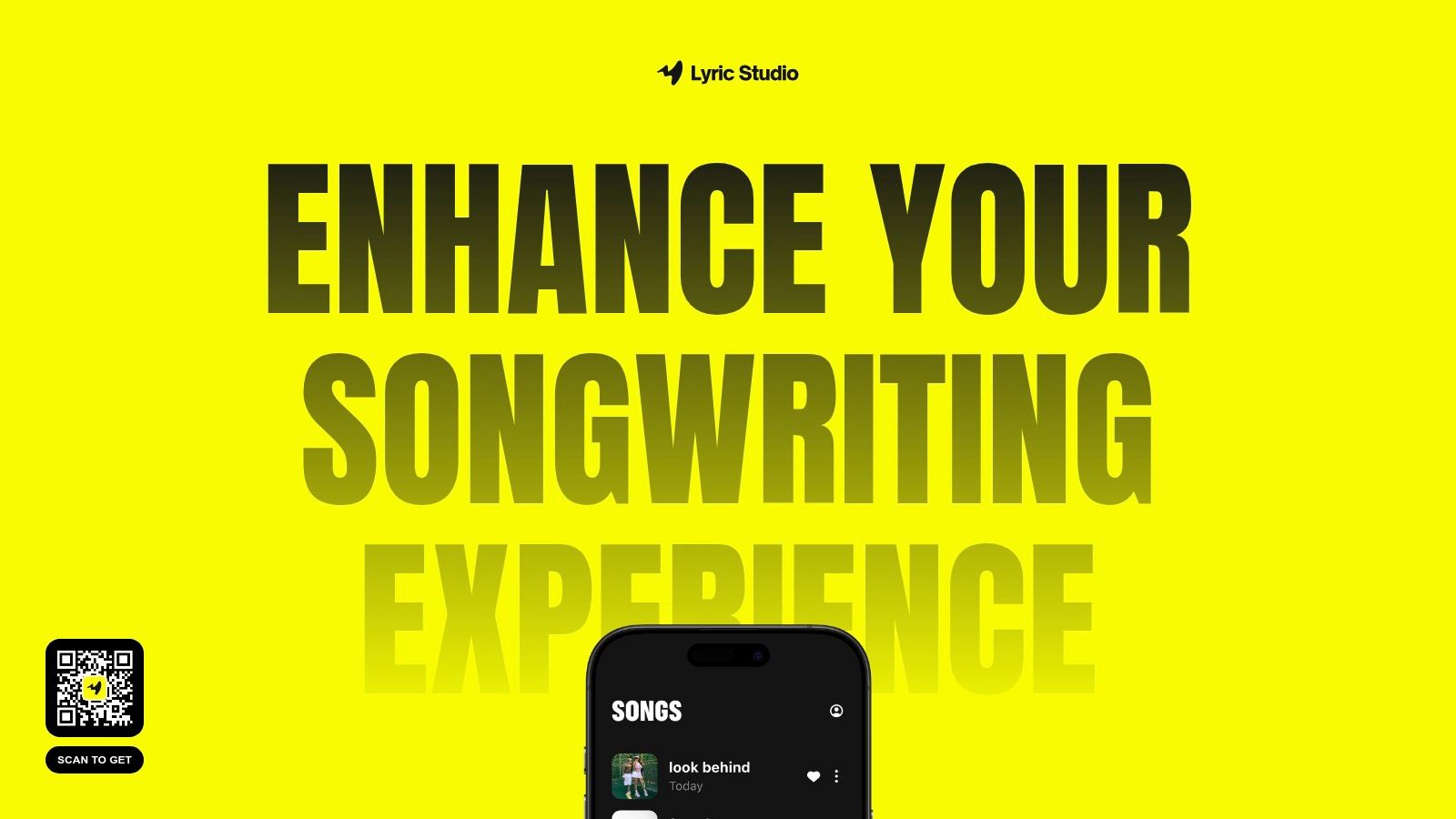
This tool is more than just a suggestion engine; it’s a comprehensive songwriting environment. It features an integrated rhyme and thesaurus tool to help you refine your word choice, ensuring every line resonates with precision and impact. For moments when you need an initial spark, the "Magic Draft" feature instantly generates an entire first verse and chorus, providing a solid foundation to build upon and jump-starting your creative process.
Key Strengths & Use Cases
Lyric Studio distinguishes itself with a unique fusion of AI assistance and creative control, empowering you to refine your ideas into polished songs. Its features are built to support the modern songwriter's entire creative journey.
Overcoming Writer's Block: Use the AI-driven lyric suggestions to generate new ideas when you feel stuck. The suggestions are tailored to your project's mood and theme, keeping you on track.
Rapid Prototyping: The "Magic Draft" feature is perfect for quickly sketching out a song's structure. This allows you to test different concepts without a major time commitment.
Genre & Mood Customization: Tailor the AI's creative output to fit the specific style you're aiming for, whether it's hip-hop, pop, R&B, or something entirely new.
Refining Word Choice: An integrated thesaurus and rhyme finder helps you polish every line to perfection, finding the exact word to express your vision.
Lyric Studio acts as a creative assistant, enhancing your natural talent rather than replacing it. It provides the structural and inspirational support needed to transform raw ideas into finished tracks.
Pricing & Access
You can get started and experience the core functionality right away. This approach allows you to see the value firsthand before considering any potential upgrades.
Download Lyric Studio free on iOS and discover a more intelligent way to write. Please note that while the app is free to download, in-app purchases may apply.
If you are interested in exploring other options, you can discover more about songwriting tools on the official blog.
Website: Lyric Studio
2. Figma
While primarily known as a UI/UX design powerhouse, Figma has become an indispensable creative collaboration tool for musicians and lyricists organizing visual aspects of their projects. It's a browser-based platform where you can map out song structures, create album art concepts, or even storyboard a music video with your bandmates in real-time. Think of it as a shared digital whiteboard, but with powerful design capabilities.
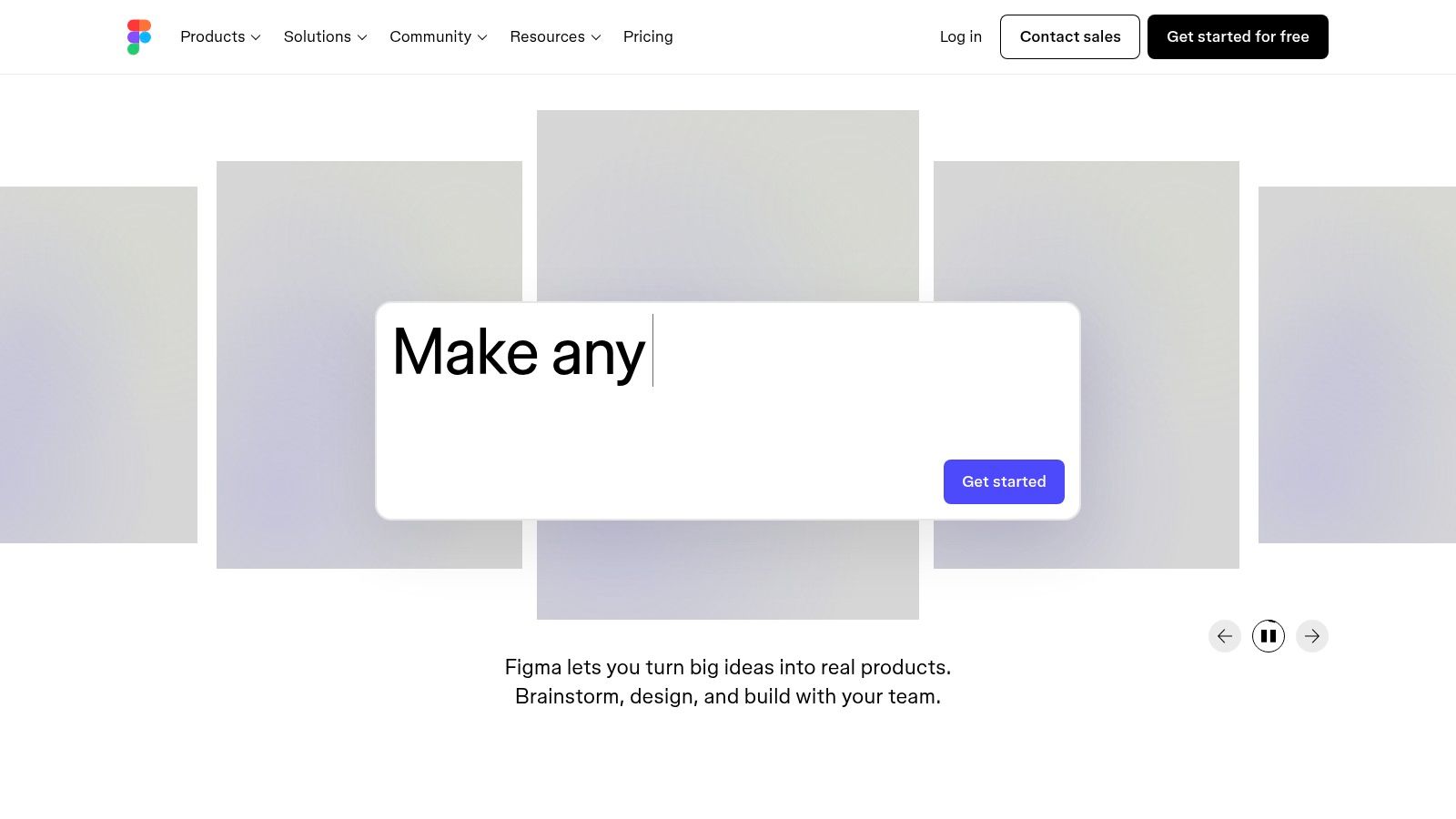
What makes Figma stand out is its seamless, real-time collaborative nature. Multiple users can be in the same file, making changes and leaving comments simultaneously. This is perfect for a lyricist in one city and a producer in another to brainstorm visual ideas for a single release or develop a consistent brand identity for an entire album. The platform’s vector-based tools are excellent for creating sharp, scalable graphics for social media promotions or merchandise.
Key Features & Use Cases
Real-Time Collaboration: Work on album art or promotional materials with your entire team at once, no matter where they are.
Version History: Easily track changes and revert to earlier versions of a design, ensuring no idea is ever truly lost.
Prototyping: Create clickable mockups of your artist website or link-in-bio page before building it.
Lyric & Structure Mapping: Use frames and text boxes to visually organize lyrical ideas, song structures (verse, chorus, bridge), and chord progressions.
Pricing
Figma offers a generous Free tier that includes three collaborative design files, which is often sufficient for independent artists managing a few projects. For larger teams or more extensive needs, paid plans like Professional ($12 per editor/month) unlock unlimited files and advanced features.
Pros & Cons
Pros | Cons |
|---|---|
Excellent real-time collaboration eliminates file-sharing confusion. | Can have a learning curve for non-designers. |
Browser-based access means no software installation is required. | Heavily reliant on a stable internet connection. |
A strong free plan provides significant value for new artists. | Less intuitive for pure audio or text collaboration. |
Website: https://www.figma.com/
3. Miro
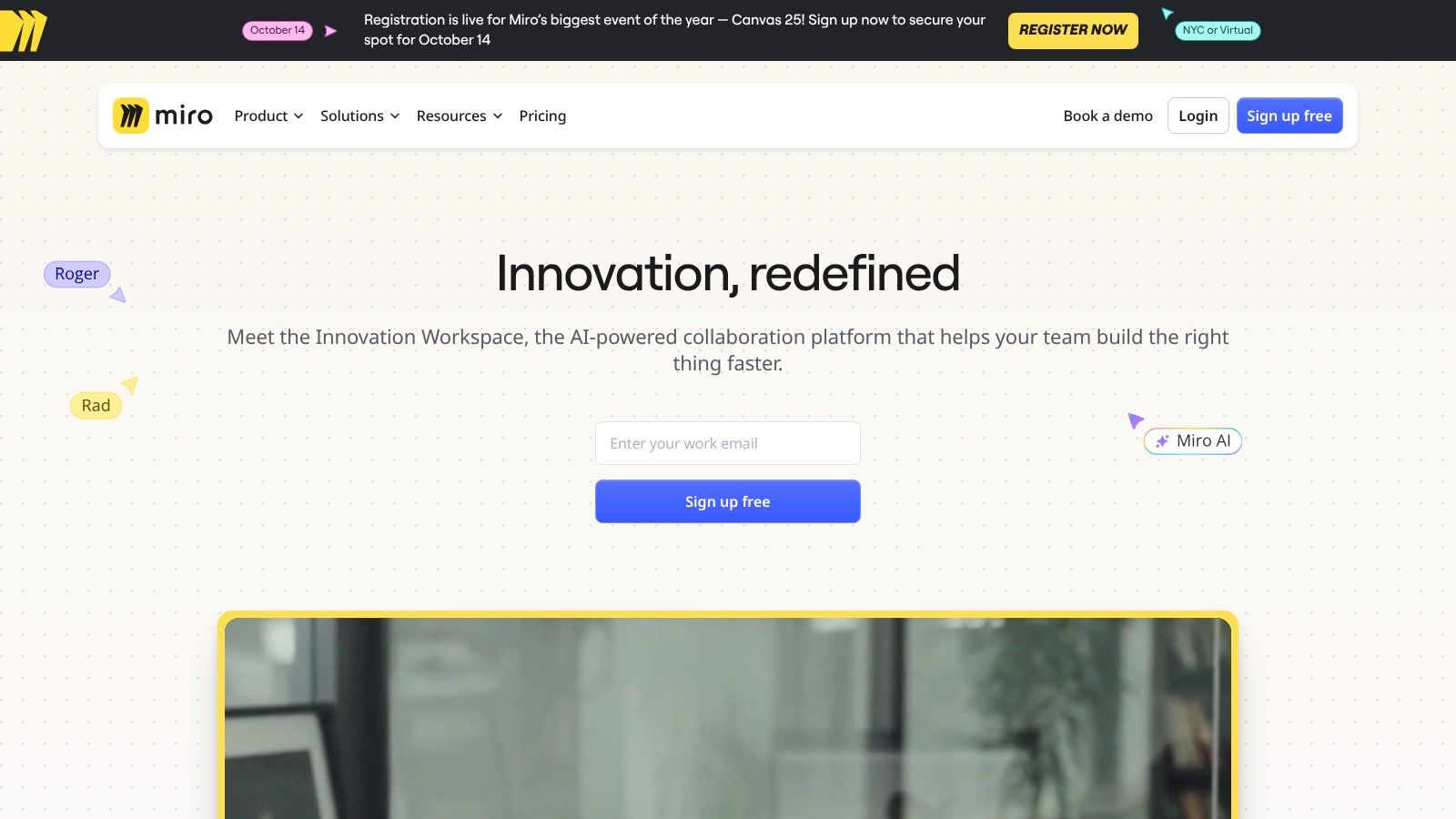
For musicians and lyricists who think visually, Miro serves as an infinite digital whiteboard, making it an exceptional creative collaboration tool for mapping out complex ideas. It excels at turning abstract concepts into concrete plans, whether you're brainstorming lyrical themes, charting out an album's promotional strategy, or organizing a tour schedule. It’s like having a massive, shared studio wall that your entire team can access from anywhere.
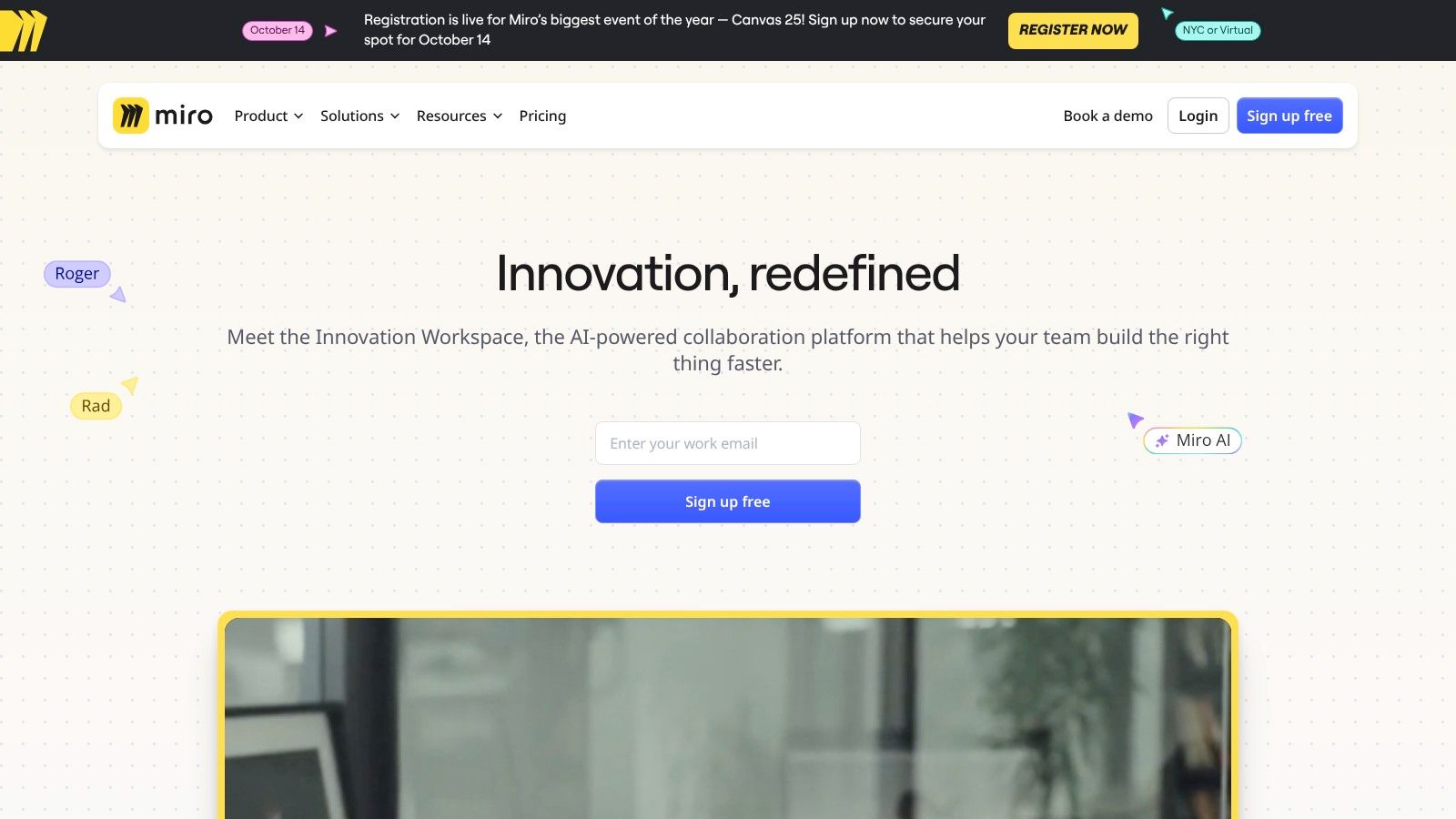
What sets Miro apart is its incredible flexibility and user-friendly interface. You can drag and drop text, images, and documents onto an endless canvas, connecting ideas with arrows and comments in real-time. This is perfect for a band collaboratively mind-mapping song concepts or for a manager and artist planning a release timeline. The pre-built templates for mind maps, Kanban boards, and flowcharts provide a fantastic starting point for any creative project.
Key Features & Use Cases
Infinite Canvas: Brainstorm without limits, connecting lyrical ideas, mood board images, and project tasks all in one space.
Pre-built Templates: Kickstart workflows with templates for journey mapping (e.g., a fan's journey) or project planning.
Real-Time Collaboration: Work simultaneously with bandmates or producers, with cursors showing who is doing what, plus integrated comments and video chat.
Broad Integrations: Connect your Miro board to tools you already use, like Google Drive for storing audio demos or Slack for notifications.
Pricing
Miro’s Free plan offers three editable boards, which is a great entry point for individual artists or small bands. For more professional needs, the Starter plan ($8 per member/month, billed annually) unlocks unlimited boards and private board sharing.
Pros & Cons
Pros | Cons |
|---|---|
Highly intuitive and visual for non-linear brainstorming. | The free plan is quite limited with only three boards. |
Excellent templates streamline project setup and organization. | Can become slow or resource-heavy on older devices. |
Strong integration capabilities centralize your creative workflow. | Best for planning and ideation, not for audio work. |
Website: https://miro.com/
4. Asana
While many tools focus on the creative act itself, Asana excels at managing the business behind the music. It’s a powerful creative collaboration tool that treats an album release or a tour schedule like a professional project. For lyricists and musicians, it serves as the central command center for tracking everything from songwriting deadlines and studio booking to marketing campaigns and merchandise orders. It brings professional-grade project management to your creative workflow.

What sets Asana apart is its flexibility and clarity. You can organize tasks in a simple list, a Kanban-style board to track progress, or a timeline to visualize your entire release schedule. This is invaluable for coordinating between a songwriter, a producer, a PR agent, and a manager. Everyone knows who is responsible for what and when it’s due, which minimizes miscommunication and keeps the entire project moving forward smoothly and efficiently.
Key Features & Use Cases
Task Assignments: Assign specific tasks like "Finalize bridge lyrics" or "Book studio time" to team members with clear deadlines.
Multiple Project Views: Use Boards for tracking song status (e.g., Writing, Recording, Mixing) and Timelines for mapping out an entire album release cycle.
Customizable Workflows: Build a repeatable process for every new song, from initial idea to final master, ensuring no steps are missed.
App Integrations: Connect Asana with Google Drive to attach lyric sheets or Slack for quick team updates.
Pricing
Asana's Basic plan is free and is robust enough for solo artists or small bands to manage their projects. For more advanced features like timelines and automation, paid plans start with Premium ($10.99 per user/month).
Pros & Cons
Pros | Cons |
|---|---|
Enhances team productivity with clear task management. | Advanced features are locked behind higher-tier plans. |
Flexible enough to accommodate different types of projects. | Can become complex for very large teams or projects. |
User-friendly interface with a relatively short learning curve. | Overkill for artists who only need simple to-do lists. |
Website: https://asana.com/
5. Trello
Trello simplifies project management for musicians and lyricists by turning complex release plans into simple, visual boards. As a creative collaboration tool, it excels at organizing tasks like songwriting, recording schedules, and marketing campaigns. Its Kanban-style approach allows you to drag and drop tasks from "To-Do" to "In Progress" and "Done," giving your entire team a clear, immediate view of a project's status.
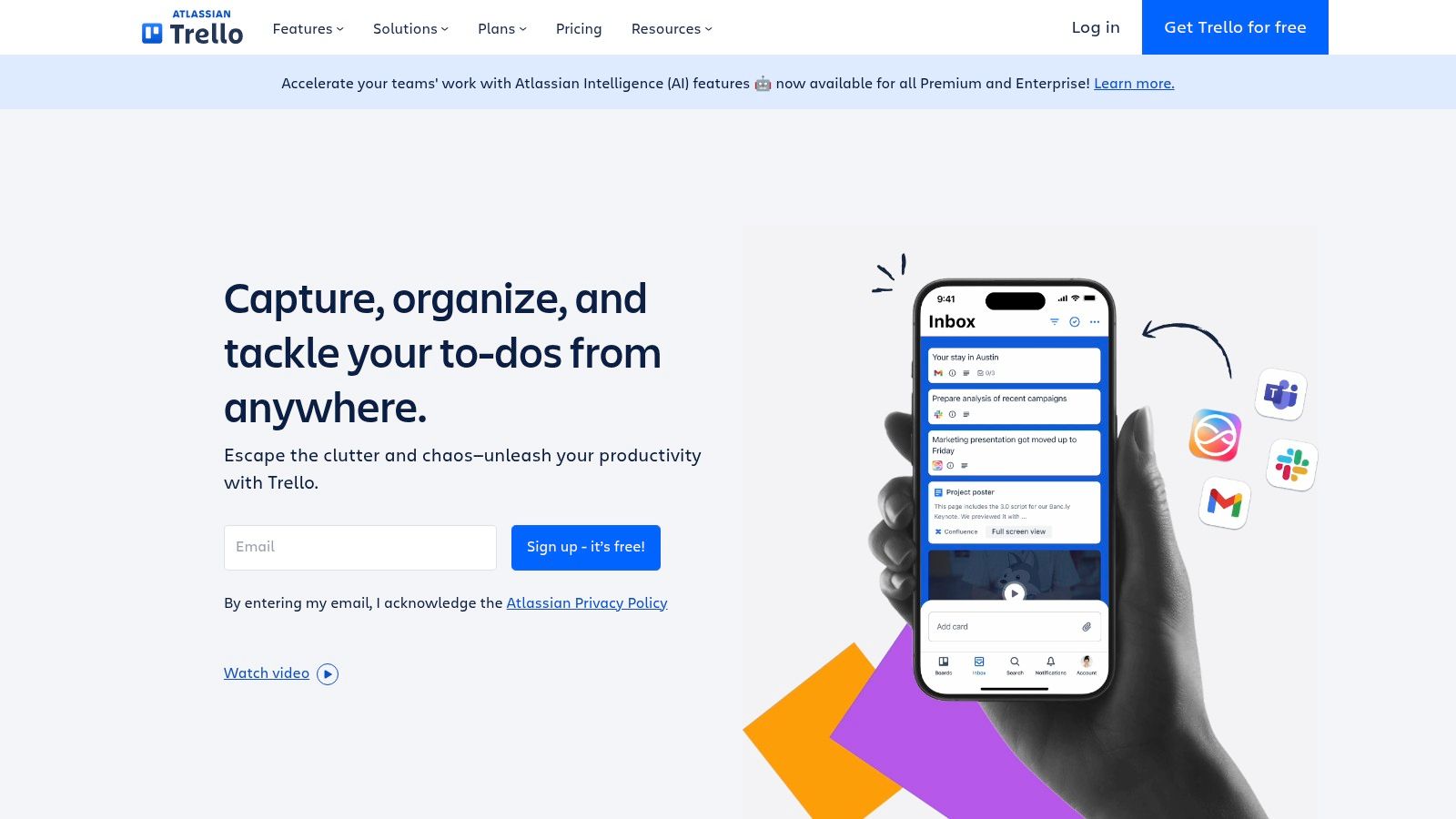
What makes Trello so effective for creative teams is its straightforward, intuitive interface. You can create a board for an album and add lists for each stage: lyric writing, demo recording, final production, artwork, and promotion. Each task becomes a "card" where you can add checklists, assign members, set due dates, and attach files like lyric sheets or audio snippets. This keeps all related assets and conversations in one organized, accessible place.
Key Features & Use Cases
Kanban-Style Boards: Visually track the entire lifecycle of a song or album, from initial idea to release day.
Customizable Workflows: Tailor boards and lists to match your specific creative process, whether for songwriting or tour planning.
Power-Up Integrations: Enhance your boards by connecting tools like Google Drive for storing audio files or Slack for team communication.
Task Management: Assign specific tasks like "write bridge lyrics" or "mix lead vocals" to team members and track their progress.
Pricing
Trello’s Free plan is very capable, offering unlimited cards and up to 10 boards per workspace, which is perfect for most independent artists or small bands. For teams needing more advanced features and integrations, paid plans like Standard ($5 per user/month) unlock unlimited boards and advanced checklists.
Pros & Cons
Pros | Cons |
|---|---|
Extremely intuitive and easy to get started with. | May be too simple for highly complex projects. |
Flexible enough for many different types of creative workflows. | Advanced features are locked behind paid Power-Ups. |
The free plan is robust enough for most small team needs. | Reporting and analytics features are basic. |
Website: https://trello.com/
6. InVision
For creative teams needing to bring visual concepts to life, InVision stands out as a powerful digital product design and prototyping platform. While it serves a broad design audience, it’s an excellent creative collaboration tool for musicians planning a visual campaign. Artists can use it to create interactive mockups for a new website, present album art concepts for feedback, or map out the user flow for a fan engagement app, all in one centralized space.
What makes InVision particularly effective is its focus on feedback and iteration. You can upload static designs and add hotspots to create a clickable prototype that feels like a real product. Band members, managers, or designers can then click through the prototype and leave comments directly on specific elements. This streamlines the revision process for visual assets like website layouts or merchandise designs, ensuring the final product aligns perfectly with the artist's vision before any development work begins.
Key Features & Use Cases
Interactive Prototyping: Turn static images of your website design or app concept into clickable, interactive mockups.
Centralized Feedback: Allow collaborators to leave comments directly on designs to keep all feedback organized and context-specific.
Design System Management: Create a library of visual assets (logos, color palettes) to ensure brand consistency across all projects.
Workflow Integration: Works seamlessly with other design tools like Sketch and Photoshop, fitting into existing creative workflows.
Pricing
InVision offers a Free plan that allows up to 10 active users and 3 documents, which is great for small teams or solo artists. For more extensive collaboration and unlimited documents, the Pro plan is available for $7.95 per user/month (billed annually).
Pros & Cons
Pros | Cons |
|---|---|
Streamlines the visual design and feedback process. | Can be resource-intensive when loading complex prototypes. |
Enhances team collaboration with centralized comment threads. | Some advanced features may have a learning curve. |
Supports a wide range of visual projects, from websites to apps. | Less suited for pure audio or text-based collaboration. |
Website: https://www.invisionapp.com/
7. Canva
Canva has democratized graphic design, making it an essential creative collaboration tool for musicians needing to create stunning visuals without a steep learning curve. It’s a browser-based platform perfect for designing everything from album art and social media posts to tour posters and lyric videos. Its intuitive drag-and-drop interface empowers artists to produce professional-quality graphics in minutes, fostering a unified visual identity across all platforms.
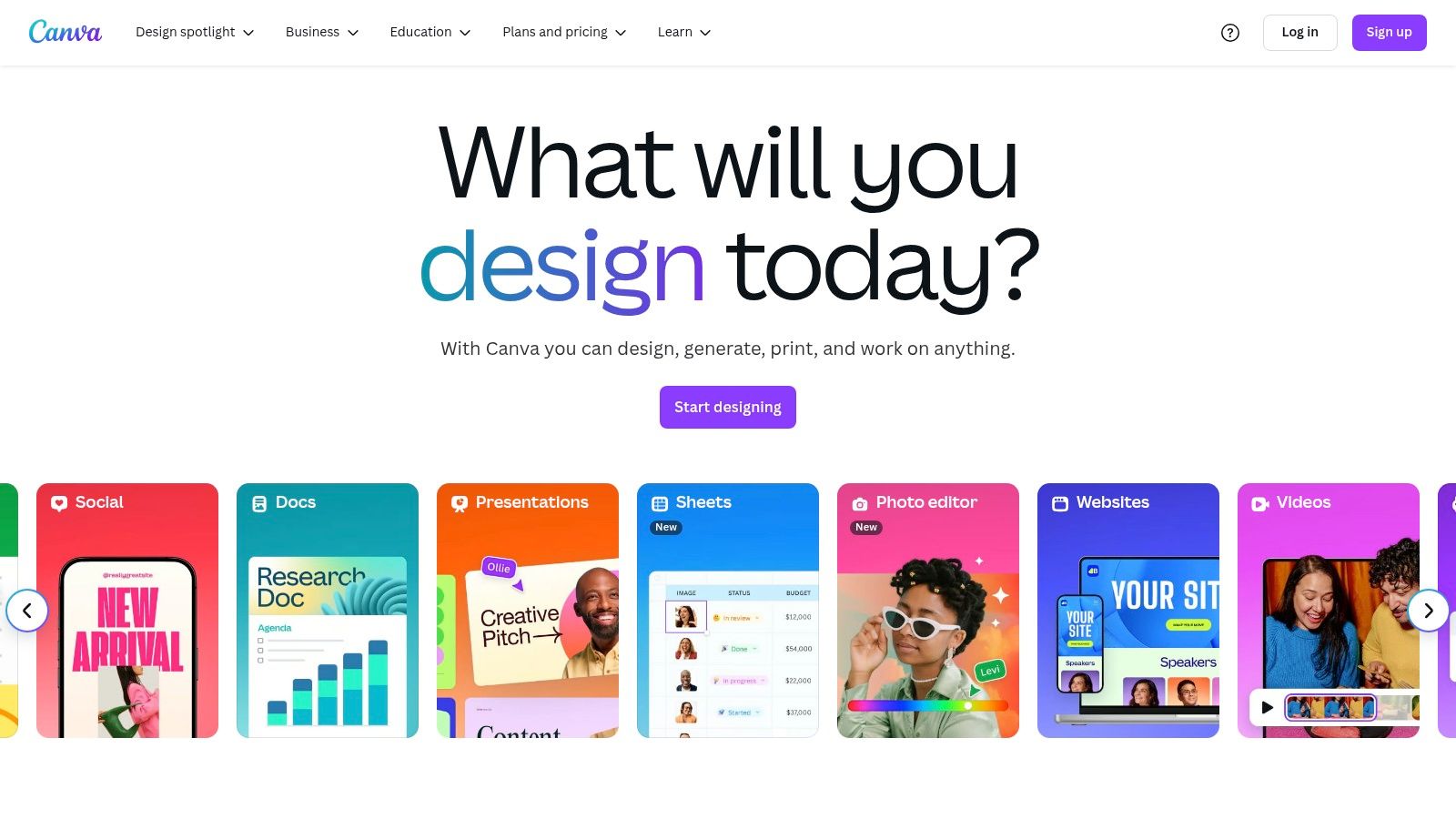
What makes Canva exceptional for creative teams is its simplicity and real-time collaboration. Band members can work together on a single design, leaving comments and making edits simultaneously, which streamlines the approval process for promotional materials. For songwriters looking to visualize their work, combining strong visuals with lyrical themes becomes much easier. This is a key step, especially for those just starting out and looking for songwriting tips for beginners to make their work more impactful.
Key Features & Use Cases
Drag-and-Drop Editor: An incredibly user-friendly interface with a massive library of templates for quick and easy design creation.
Real-Time Collaboration: Invite team members to edit, comment, and contribute to designs for gig posters, social content, or merch mockups.
Brand Kit Management: Keep your artist brand consistent by saving logos, color palettes, and fonts for easy access.
Vast Asset Library: Access a huge collection of stock photos, videos, and graphics directly within the editor to enhance your designs.
Pricing
Canva provides a robust Free plan with thousands of templates and design assets. For access to premium features like the Brand Kit and a larger library of stock elements, the Canva Pro plan is available for a low monthly fee, making it highly accessible for independent artists and small teams.
Pros & Cons
Pros | Cons |
|---|---|
Extremely user-friendly, even for absolute beginners in design. | Lacks the advanced features of professional software. |
The extensive template library speeds up the entire creative process. | The free version restricts access to premium assets. |
Affordable pricing makes professional branding accessible to all artists. | Best for static or simple animated visual content. |
Website: https://www.canva.com/
8. Mural
Mural provides an expansive digital whiteboard designed for visual brainstorming, making it an excellent creative collaboration tool for musicians mapping out complex projects. It's a space where you and your collaborators can visually organize song ideas, plot out a marketing campaign, or design the flow of a live show. Think of it as a limitless wall covered in sticky notes, diagrams, and images that your whole team can access from anywhere.
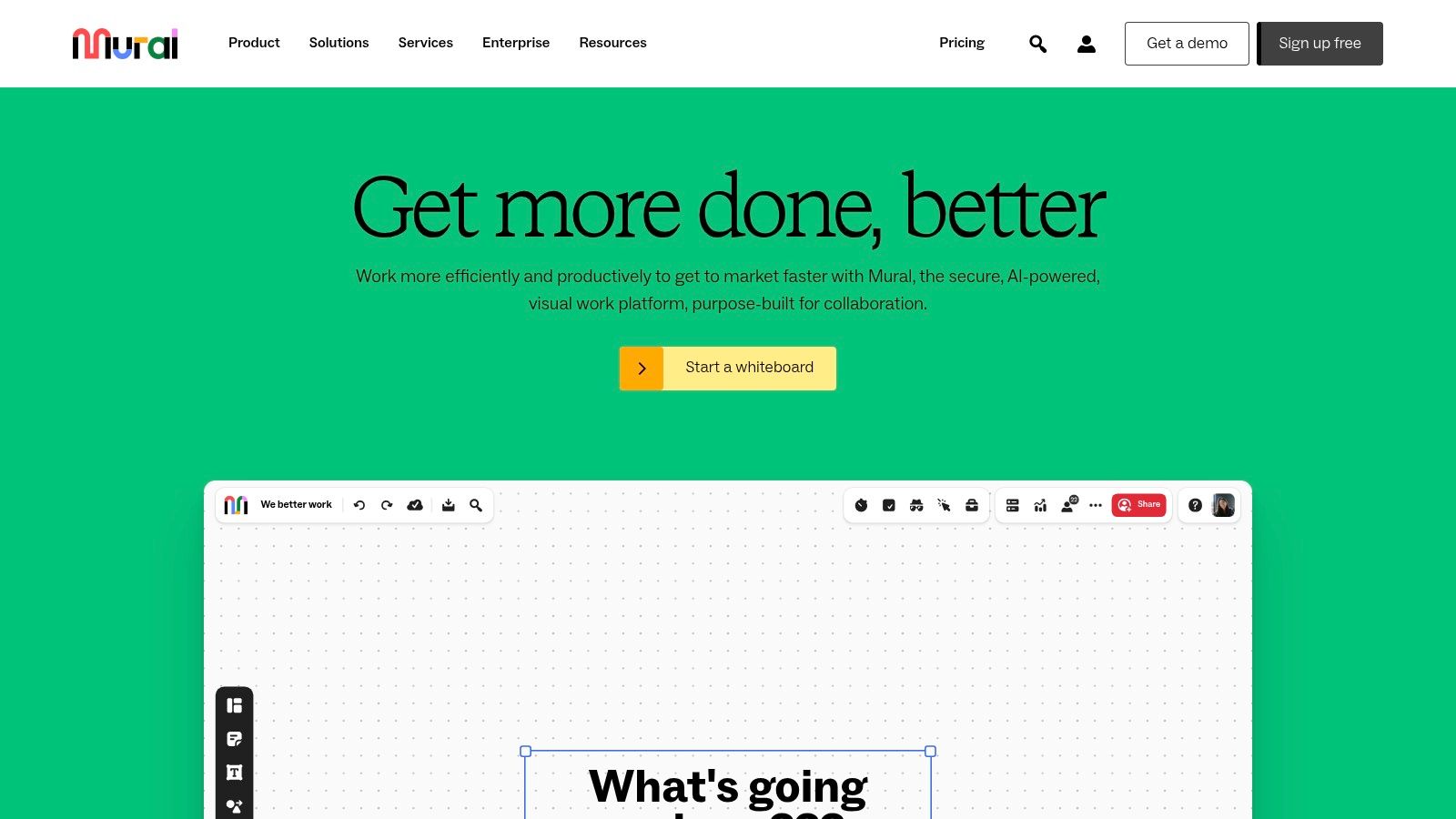
What makes Mural so effective is its focus on structured, real-time visual collaboration. It moves beyond simple brainstorming by offering a vast library of pre-built templates for everything from project planning to user journey maps. A band could use a template to outline their album release schedule, while a songwriter and producer could use the infinite canvas to connect lyrical themes with instrumental motifs, adding comments and even joining a quick video chat directly within the board to discuss changes.
Key Features & Use Cases
Infinite Canvas: Never run out of space when brainstorming lyrics, song structures, or visual concepts for your music brand.
Pre-built Templates: Kickstart your planning with templates for marketing strategies, project roadmaps, or creative briefs.
Real-Time Collaboration: Work simultaneously with bandmates, producers, or managers, leaving comments and feedback directly on visual elements.
Integrations: Connect Mural with tools you already use, like Slack, Jira, and Google Drive, to streamline your workflow.
Pricing
Mural has a Free plan that includes three murals and access to all templates, which is great for individual artists or small-scale projects. For more collaborative needs, the Team+ plan ($9.99 per member/month) offers unlimited murals and advanced features.
Pros & Cons
Pros | Cons |
|---|---|
Highly interactive features enhance remote brainstorming sessions. | The free plan is quite limited in the number of boards. |
User-friendly interface is easy for non-technical team members. | Can be resource-intensive and slow on older computers. |
Versatile enough for creative, marketing, and project management tasks. | Can feel overly complex for very simple brainstorming. |
Website: https://www.mural.co/
9. Notion
Notion is an all-in-one workspace that serves as a powerful creative collaboration tool by combining notes, tasks, and wikis into a single, customizable platform. For musicians and lyricists, it acts as a central hub for organizing everything from tour schedules and press kits to lyrical drafts and album release plans. It's like a digital binder that you and your collaborators can build and shape to fit your exact workflow.
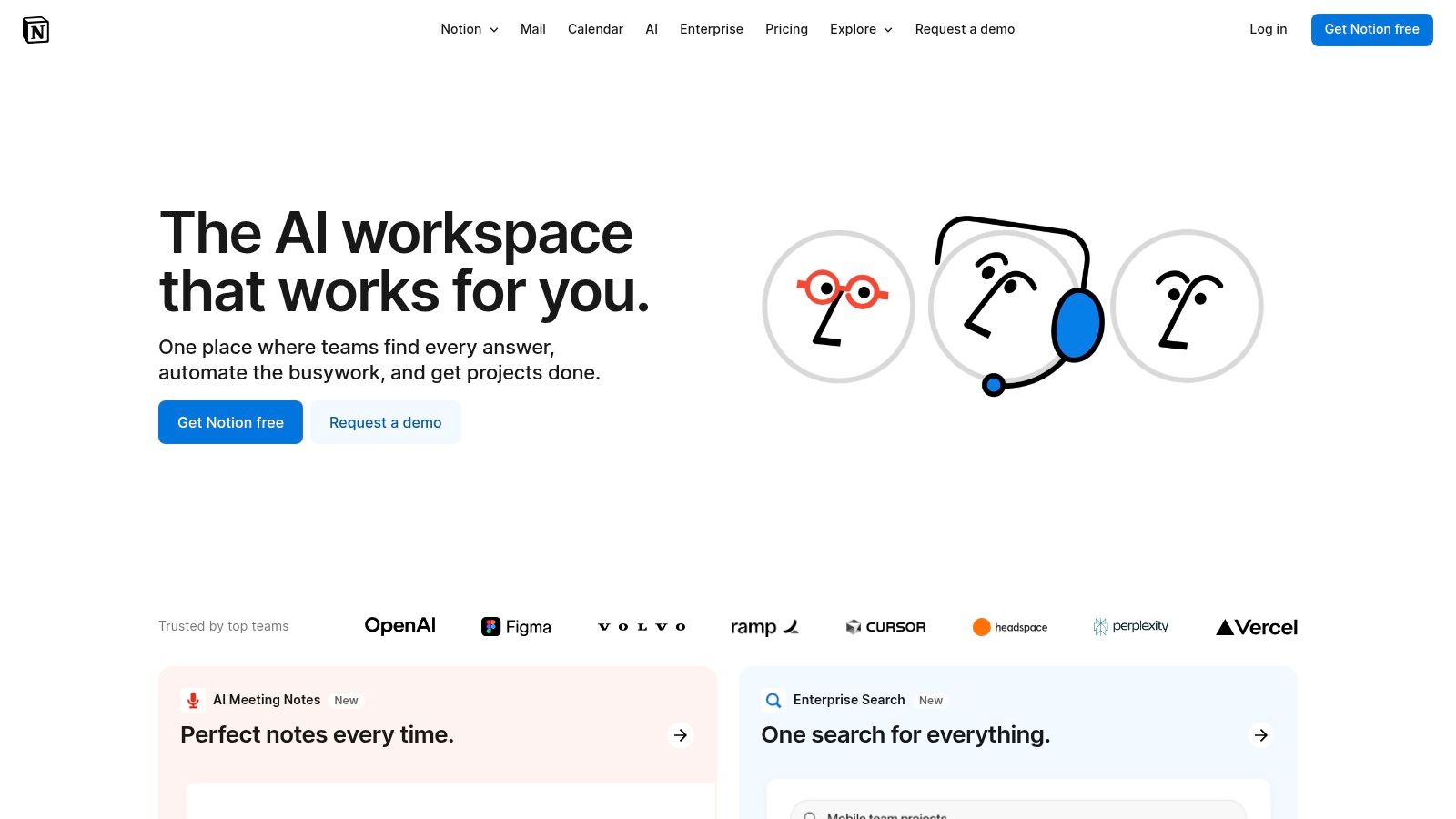
What makes Notion exceptional is its incredible flexibility. You can start with a blank page and add different "blocks" like text, databases, calendars, and image galleries. This allows a band to create a shared database of song ideas, track their progress from demo to final mix, and embed private SoundCloud links for review, all in one place. Real-time collaboration means your co-writer can add a verse while you update the project timeline simultaneously.
Key Features & Use Cases
Customizable Pages & Databases: Build a dedicated workspace for your band, complete with a song-in-progress tracker, lyric repository, and contact list for venues.
Real-Time Collaboration: Work on lyric sheets, marketing plans, or setlists with team members and see changes as they happen.
Template Library: Use pre-built templates for project management or content calendars to get organized quickly without starting from scratch.
Integration with Other Tools: Embed content from Spotify, YouTube, and Google Drive directly into your Notion pages to keep all project assets together.
Pricing
Notion has a robust Free plan suitable for individuals and small teams, offering unlimited blocks and collaborative workspaces. For more advanced features and larger teams, the Plus plan starts at $8 per user/month and offers more file upload capacity and a longer page history.
Pros & Cons
Pros | Cons |
|---|---|
Extremely flexible and can be customized for any creative workflow. | The sheer flexibility can be overwhelming for new users. |
The free plan is very generous and powerful for independent artists. | Offline functionality is limited and requires a connection. |
Consolidates multiple tools (docs, spreadsheets, tasks) into one. | Can become slow when pages are filled with lots of data. |
Website: https://www.notion.so/
10. Slack
While often associated with corporate teams, Slack is an incredibly effective creative collaboration tool for musicians and bands needing a central hub for all their communication. It replaces scattered email threads, text messages, and DMs with organized channels dedicated to specific topics. You can create channels for #lyrics, #album-art, #tour-dates, or #promo-ideas, keeping every conversation focused and easy to find.
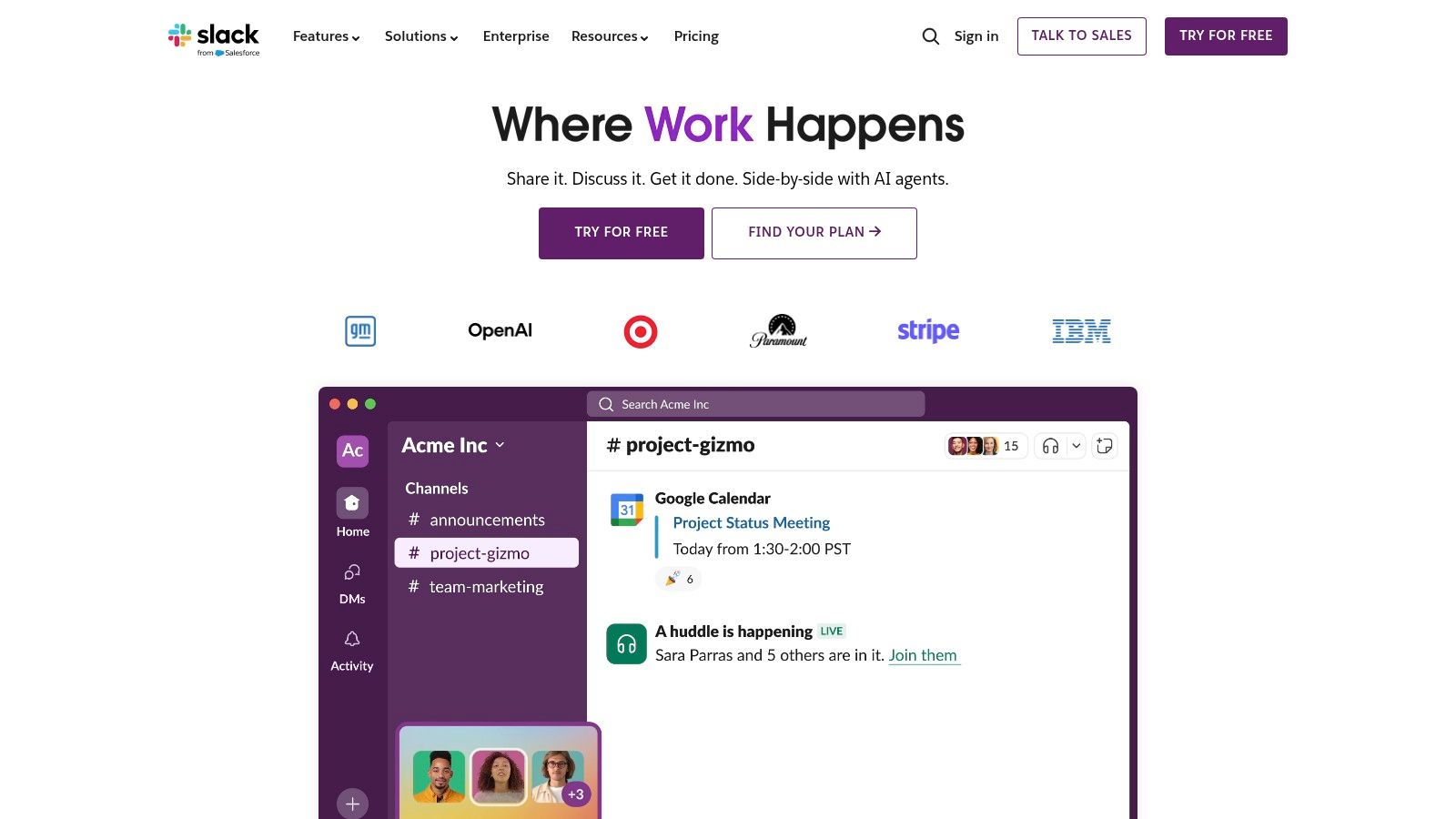
What makes Slack powerful for creatives is its ability to integrate with other tools you already use, like Google Drive or Dropbox, for seamless file sharing. A producer can drop a new mix into the #demos channel, and the entire band gets an instant notification. It keeps the creative momentum going by ensuring everyone is on the same page, whether you're brainstorming a song title or finalizing a setlist for a gig across the country.
Key Features & Use Cases
Organized Channels: Create dedicated spaces for every aspect of your project, from songwriting to marketing.
File Sharing: Easily share audio files, lyric sheets, and design mockups directly within conversations.
App Integrations: Connect tools like Google Calendar, Trello, or Dropbox to bring all your workflows into one place.
Searchable History: Quickly find past conversations, files, or important decisions without digging through old emails.
Pricing
Slack’s Free plan offers access to the last 90 days of message history and 10 app integrations, which is great for short-term projects. For unlimited history and more features, the Pro plan starts at $7.25 per user/month.
Pros & Cons
Pros | Cons |
|---|---|
Centralizes all team communication in one organized place. | Constant notifications can be distracting if not managed properly. |
Excellent for remote collaboration and keeping everyone in sync. | The free plan's 90-day message limit can hide older ideas. |
Powerful search function makes finding information easy. | Can feel overly formal for some creative team dynamics. |
Website: https://slack.com/
11. Adobe Creative Cloud
For musicians and lyricists who manage every visual element of their brand, Adobe Creative Cloud is the undisputed industry standard. This comprehensive suite of applications goes far beyond simple design, offering professional-grade tools for everything from album art and music video editing to website mockups. It serves as a complete ecosystem where all visual assets for a music project can be created, refined, and shared with collaborators.
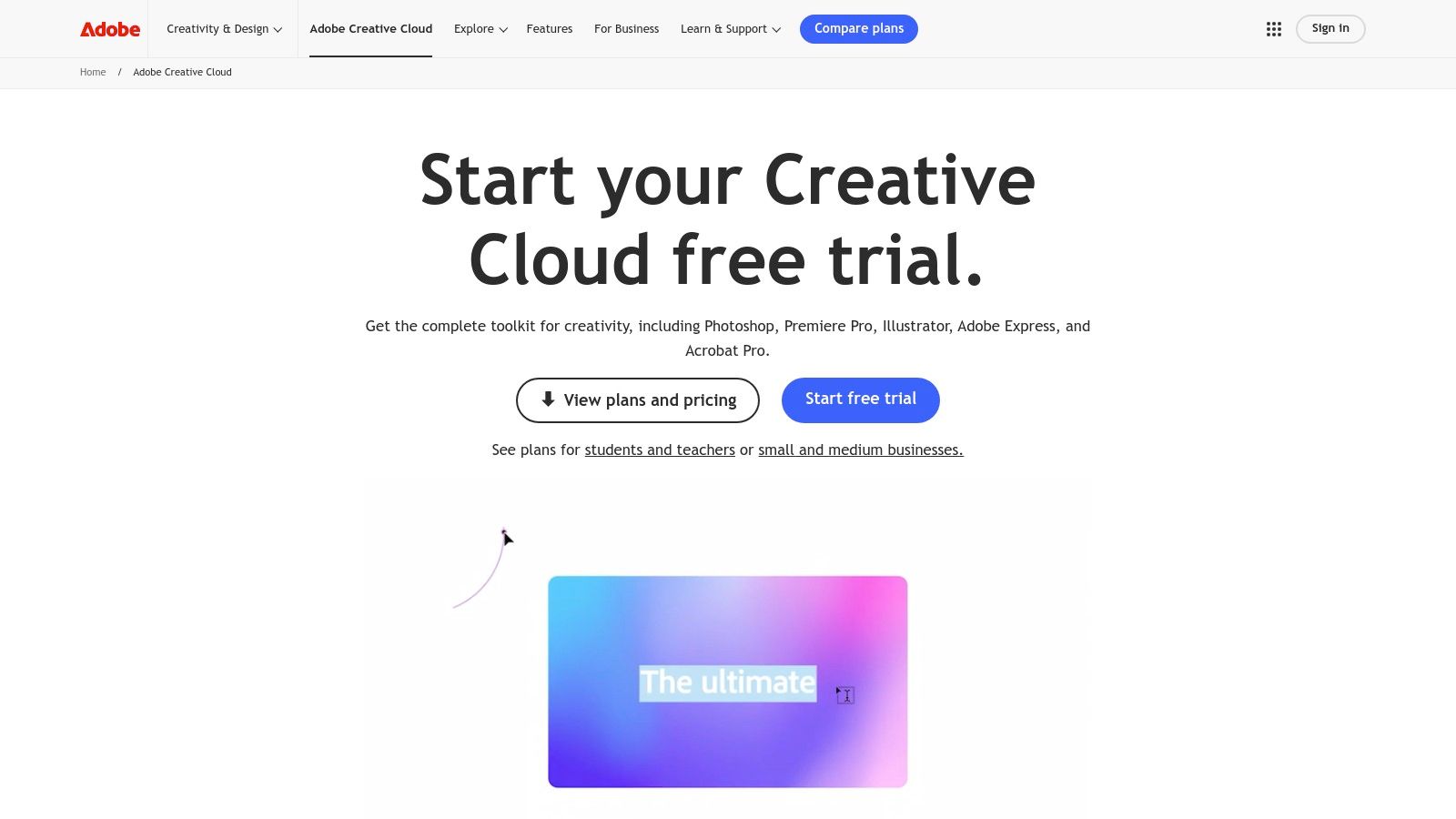
What makes Creative Cloud a powerful creative collaboration tool is its deep integration and cloud-based features. You can design cover art in Photoshop, pass it to a collaborator to animate in After Effects, and then edit the final video in Premiere Pro, all while using shared Cloud Libraries to maintain consistent colors and logos. This workflow is essential for serious artists building a professional brand identity from their home recording studio setup.
Key Features & Use Cases
Integrated App Suite: Use Photoshop for detailed album art, Illustrator for scalable logos, and Premiere Pro for high-quality music video editing.
Cloud Libraries & Storage: Share assets like color palettes, logos, and fonts with your team to ensure brand consistency across all projects.
Adobe Stock & Fonts: Access a massive library of high-quality stock photos, videos, and professional fonts directly within the apps.
Cross-Device Syncing: Start a project on your desktop and continue editing on your tablet, with all changes synced automatically.
Pricing
Adobe Creative Cloud operates on a subscription model. The All Apps plan, which provides access to over 20 applications, is typically priced around $59.99/month, with discounts often available for students. You can also subscribe to individual apps like Photoshop for a lower monthly fee.
Pros & Cons
Pros | Cons |
|---|---|
The most comprehensive and powerful creative suite available. | Subscription cost can be expensive for independent artists. |
Industry-standard tools ensure professional-quality results. | Applications can be complex and require a learning curve. |
Seamless integration between apps creates an efficient workflow. | Requires a powerful computer to run smoothly. |
Website: https://www.adobe.com/creativecloud.html
12. Workamajig
For creative teams managing complex projects from start to finish, Workamajig is an all-in-one creative collaboration tool that bridges the gap between project management and financial operations. It’s a comprehensive, web-based platform designed specifically for the workflows of creative agencies, making it a powerful choice for larger music projects or artist management companies juggling multiple releases, tours, and marketing campaigns simultaneously. It centralizes everything from initial briefs to final invoices.
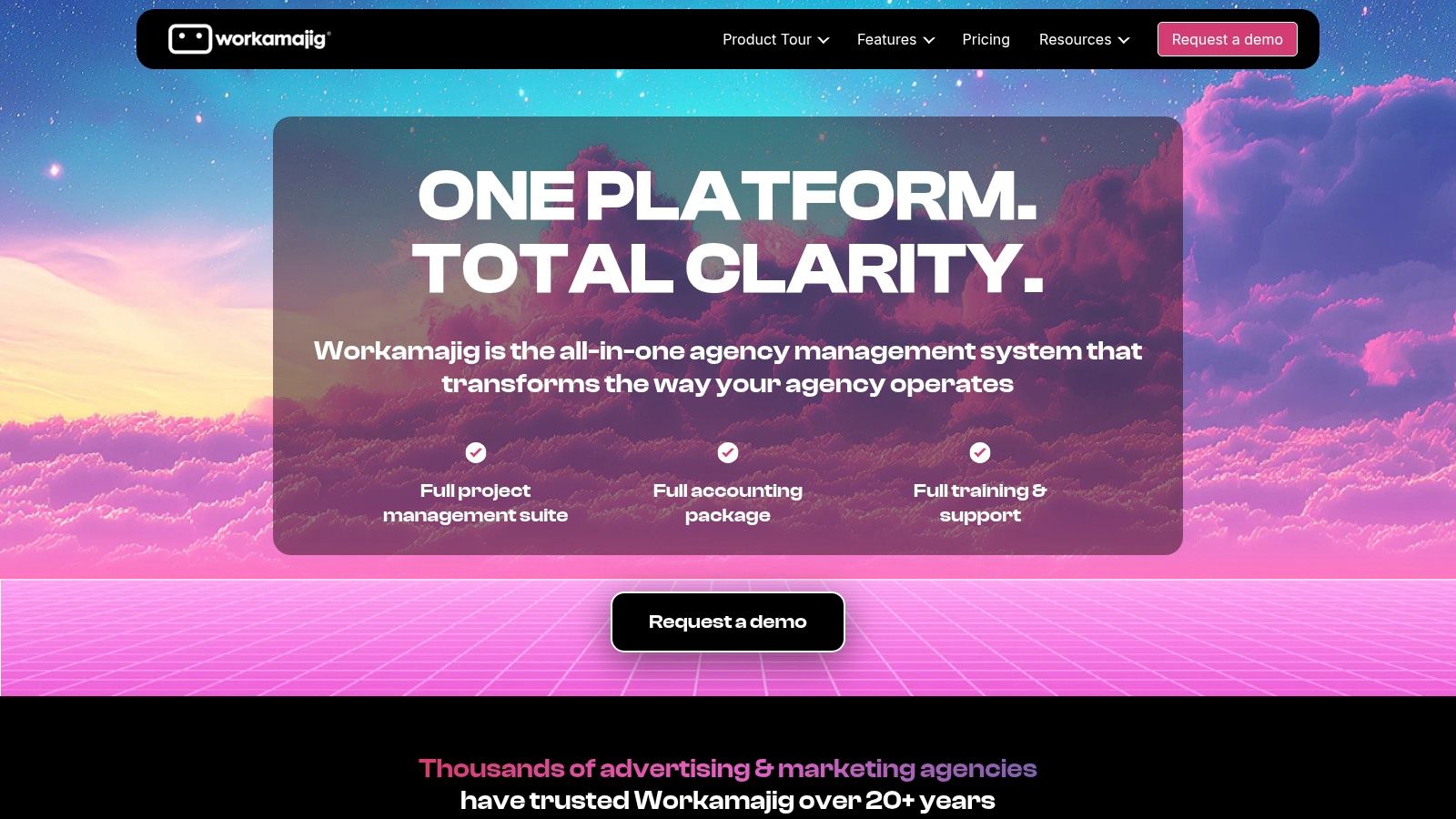
What sets Workamajig apart is its end-to-end integration. A project manager can assign tasks for a music video shoot, the tour manager can schedule resources, and the finance team can track budgets and send invoices, all within the same system. This eliminates the need for multiple disconnected tools, providing a single source of truth for the entire team. Its focus on creative industries means its features are tailored for workflows involving deliverables, reviews, and approvals.
Key Features & Use Cases
Project Management: Create detailed project timelines for an album release, assign tasks to band members or marketing staff, and track progress.
Resource Management: Schedule studio time, book session musicians, or allocate team members to specific promotional activities to avoid conflicts.
Financial Management: Build project budgets, track expenses against them, and handle client or venue invoicing directly from the platform.
Integrated Proofing: Share audio files or artwork for review and approval, keeping all feedback organized in one place.
Pricing
Workamajig's pricing is customized and not publicly listed on their site. You must contact their sales team for a detailed quote based on your team's size and specific needs. It is generally positioned for established creative agencies and larger teams rather than individual artists.
Pros & Cons
Pros | Cons |
|---|---|
All-in-one system combines project and financial management. | Can be complex and overwhelming to set up. |
Specifically designed for the workflows of creative industries. | Pricing is not transparent and requires a sales call. |
Highly customizable to fit unique team processes and needs. | May be overkill for small teams or solo artists. |
Website: https://www.workamajig.com/
Creative Collaboration Tools Comparison Overview
Product | Core Features/Characteristics | User Experience / Quality ★ | Value Proposition 💰 | Target Audience 👥 | Unique Selling Points ✨ |
|---|---|---|---|---|---|
🏆 Lyric Studio | AI-powered lyric suggestions, rhyme tools, "Magic Draft" feature | ★★★★☆ Smooth editor, real-time AI help | Free to download; in-app purchases may apply | Emerging songwriters, pros, producers | "Magic Draft," genre/mood customization |
Figma | Browser-based design, real-time collaboration, prototyping | ★★★★☆ Collaborative & versatile | Free & paid tiers | Designers, teams needing live collaboration | Plugin integrations, no install needed |
Miro | Infinite canvas, templates, real-time collaboration | ★★★★☆ Interactive, easy for teams | Free with limits; scalable paid plans | Remote teams, planners, designers | Extensive integrations, brainstorming tools |
Asana | Task mgmt, multiple views, workflow automation | ★★★★☆ Intuitive & productivity-focused | Free & tiered pricing | Teams managing projects | Custom workflows, automation |
Trello | Kanban boards, customizable workflows, power-ups | ★★★☆☆ Simple & visual task mgmt | Generous free plan | Small teams, simple project tracking | Drag-and-drop UX, easy setup |
InVision | Interactive prototyping, design system mgmt, feedback | ★★★★☆ Streamlines design-to-dev process | Free & paid options | Design teams, product managers | User testing, centralized feedback |
Canva | Drag-drop editor, templates, brand kits | ★★★☆☆ User-friendly, suitable for non-designers | Affordable subscriptions | Non-designers, small teams | Vast templates, collaboration |
Mural | Infinite canvas, templates, real-time collaboration | ★★★★☆ Similar to Miro, interactive | Free tier limited | Remote teams, brainstorming groups | Interactive templates, video chat |
Notion | Custom pages, databases, collaboration | ★★★★☆ Highly flexible but complex | Affordable tiers | Personal & team use | All-in-one workspace, customization |
Slack | Messaging channels, app integrations, file sharing | ★★★★☆ Effective communication tool | Free & paid plans | Teams needing real-time messaging | Organized channels, extensive integrations |
Adobe Creative Cloud | Suite of pro design, video, web tools | ★★★★★ Industry standard, resource-heavy | Expensive subscription | Creative professionals | Over 20 apps, cloud collaboration |
Workamajig | Project & financial mgmt for creative teams | ★★★☆☆ Comprehensive but complex | Contact for pricing | Creative agencies, design firms | Project to finance management in one tool |
Build Your Perfect Creative Stack and Start Writing
Navigating the landscape of modern creative work means moving beyond isolated efforts and embracing the power of connection. We've explored a wide range of creative collaboration tools, from visual brainstorming platforms like Miro and Figma to robust project management systems such as Asana and Notion. Each tool offers a unique solution to a specific creative bottleneck, whether it's organizing tasks, sharing visual ideas, or communicating in real-time with Slack. The key takeaway is that no single platform does it all; the real power lies in building a personalized "stack" that fits your unique workflow.
Your ideal setup might combine the project oversight of Trello with the visual ideation of Canva. For musicians and lyricists, the core of this stack should be a tool that directly fuels the creation process itself. This is where a dedicated creative assistant becomes indispensable, breaking down the barriers between a fleeting idea and a structured song.
How to Choose Your Tools
Selecting the right combination of creative collaboration tools depends entirely on your specific needs. Before you commit, consider these factors:
Team Size and Workflow: Are you a solo artist or part of a larger band or production team? A solo creator might thrive with a simple combination like Lyric Studio and Notion, while a full band may need the structure of Asana to manage deadlines and assignments.
Primary Creative Output: If your work is heavily visual, tools like Adobe Creative Cloud and InVision are non-negotiable. For songwriters, the priority is a platform that enhances the lyrical and musical process.
Integration and Compatibility: The most effective stacks feature tools that work well together. Look for platforms that can integrate to create a seamless flow of information, minimizing the need to constantly switch contexts.
Budget and Scalability: Start with free versions to test functionality. As your needs grow, you can invest in paid plans that offer more advanced features and support.
Putting It All Together
Building your creative stack isn't just an administrative task; it's a strategic move to protect your most valuable resource: your creative energy. By automating organization and facilitating clear communication, you free up mental space for what truly matters. For comprehensive content creation, your perfect creative stack might also include specialized tools like the best AI transcription apps for podcasts, which can assist in documentation or content repurposing.
The most important step, however, is to simply begin. Don't let indecision or the fear of a blank page stall your momentum. The right tools are designed to eliminate that friction. With a platform like Lyric Studio, you can use the "Magic Draft" feature to instantly generate a verse and chorus, providing a solid foundation to build upon. Its AI-driven, context-aware suggestions adapt to your chosen genre and mood, helping you find the perfect words and rhymes. Stop waiting for inspiration to strike and start creating it.
Ready to overcome writer's block and streamline your songwriting? Download Lyric Studio free on iOS and see how its intelligent creative assistance can transform your process. Build your next hit with a tool designed to support your originality.
SCAN TO GET