Back to articles
The Best App for Writing Song Lyrics and Finishing Songs
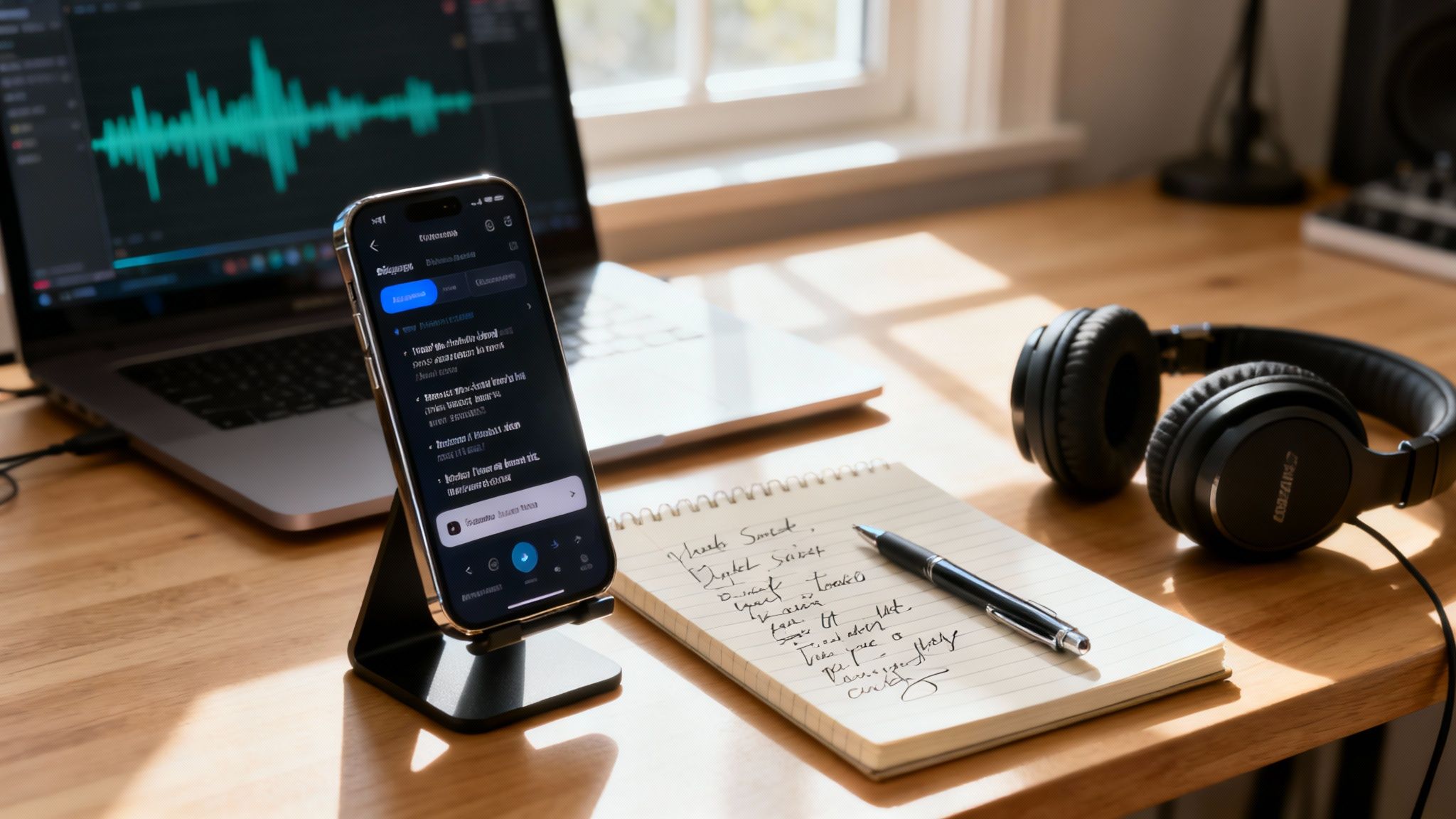
We've all been there—staring at a blank page, the cursor blinking, waiting for inspiration that just won't come. A great app for writing song lyrics needs to be more than just a place to jot down ideas. It should feel like a creative assistant sitting in the room with you, not just a glorified notepad.
Why a Dedicated Songwriting App Is a Game Changer
Switching from your phone's basic notes app to a tool built for musicians can completely change your workflow. The right app doesn't just hold your lyrics; it actively helps you build on them, breaking down the wall between a rough idea and a finished song. It’s all about working smarter and keeping that creative fire lit.
This isn't just a niche market, either. The demand for these tools is real and growing fast. The market for music production apps—which includes lyric writing tools—was valued at USD 102.54 million in 2024 and is climbing. If you're curious about the numbers, you can dive into the full research on the music production app market.
From Blank Page to Full Song
A modern songwriting app brings all your essential tools into one place. Think about it: no more jumping between a rhyming dictionary, a thesaurus, and your notes. Everything you need is right there, ready when you need it.
This is what a clean, organized workspace looks like, bringing your lyrics, rhymes, and suggestions together in one view.
The layout is designed to keep you focused on writing while having powerful creative tools just a tap away.
But what really sets a great app apart is its ability to understand where you're going with a song. For instance, Lyric Studio gives you:
AI-Driven Lyric Suggestions: These aren't just random words. You get context-aware ideas that fit your song's theme, emotion, and genre, helping you find new angles you might not have considered.
Genre and Mood Customization: You can tell the app what kind of vibe you're after—hip-hop, pop, R&B—and it will adjust its suggestions to match.
Magic Draft Feature: This is your secret weapon against writer's block. Give it a single prompt, and it will instantly generate an entire first verse and chorus to get you started.
The point isn't to replace your creativity, but to supercharge it. Think of these tools as a creative assistant, offering a fresh perspective when you're stuck and helping you polish your original ideas into something truly special.
The difference between a simple notes app and a dedicated songwriting tool is massive. A good tool anticipates what you need before you even realize you need it.
Essential Features in a Modern Songwriting App
This table breaks down the key features that transform a basic notes app into an indispensable songwriting tool, showing you what to look for.
Feature | Why It Matters for Songwriters | How Lyric Studio Delivers |
|---|---|---|
Integrated Rhyme Dictionary | Instantly find perfect, near, or slant rhymes without breaking your flow. It keeps you in the creative zone instead of searching online. | Provides a real-time, context-aware rhyme finder that suggests words as you type, matching your syllable count and meaning. |
AI Lyric Suggestions | When you hit a wall, context-aware suggestions can spark new ideas, help you rephrase a line, or find that perfect metaphor. | Its AI generates lines based on your song's topic, mood, and genre, acting like a brainstorming partner. |
Thesaurus & Word Finder | Avoid clichés and find more evocative language. A built-in thesaurus helps you elevate your lyrical quality and express yourself more precisely. | Offers a smart thesaurus and word suggestions to help you find stronger verbs, more vivid adjectives, and unique phrasing. |
Beat Integration | Writing lyrics to a beat changes everything. It helps you lock into a rhythm and craft lines that fit the music from the very start. | Lets you import your own beats or choose from its library, so you can write directly to the track and find your pocket. |
Syllable Counter | Keeping your lyrical rhythm and meter consistent is crucial for flow. A syllable counter makes it easy to match lines and maintain a tight structure. | An automatic syllable counter for each line helps you maintain a consistent flow and cadence, which is critical for rap and pop. |
Built-in Recorder | Ideas for melodies and vocal delivery often strike while writing. Recording on the spot ensures you never lose them. | A one-tap audio recorder lets you capture vocal ideas directly in the app, keeping your lyrics and melodies together. |
Having these tools in one place isn't just a convenience—it's about removing friction from your creative process so you can focus on what matters: writing a great song.
Ready to see how an intelligent songwriting partner can transform your process? Download Lyric Studio free on iOS and start writing your next song today. Please note, in-app purchases may apply for certain features.
Turn Your Idea Into a Song Instantly
Let's be real—the hardest part of writing a song is usually just getting started. That blinking cursor on a blank page can feel like your worst enemy. But what if you could skip that part? An app for writing song lyrics like Lyric Studio turns that empty space into a creative launchpad, letting you jump right into making music from a single idea.
The path from a random thought to a real, structured song can be much shorter than you think. This little infographic pretty much sums up the whole process.
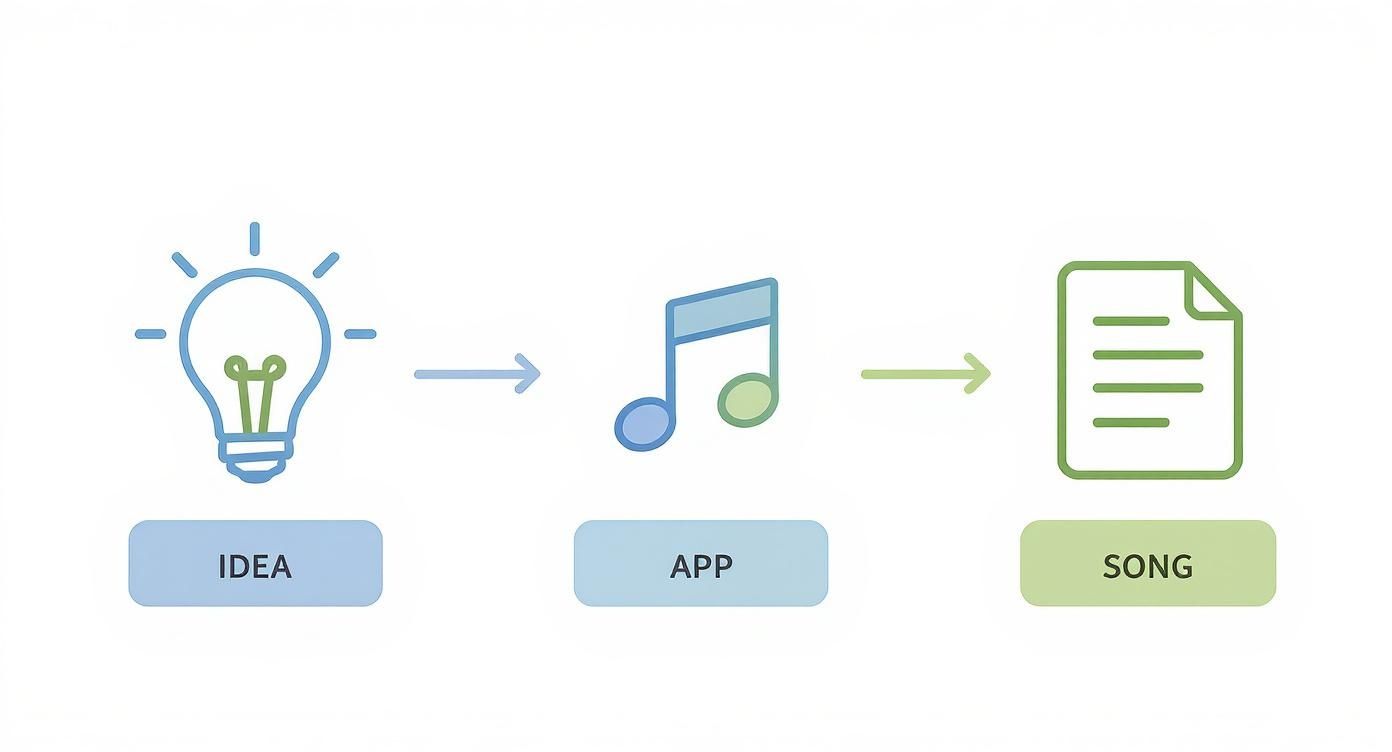
It’s all about having a tool that acts as the bridge between the fuzzy concept in your head and the actual words on the page. It removes the friction and gets you creating faster.
Defeat Writer’s Block with Magic Draft
Picture this: you have a cool concept, maybe something like "a rainy night in the city," but you're stuck on how to begin. This is where the Lyric Studio Magic Draft feature comes in. You just type in your prompt, and it instantly generates a complete verse and chorus to get you going.
This isn’t about the AI writing the song for you. Think of it as a creative partner that gives you a solid foundation. You get something tangible to react to, tweak, and build on, so you're never starting from absolute zero again.
Setting the Vibe for Your Song
A good song is all about the feel, not just the words. Before you even generate a draft, you can tell the AI exactly what you're going for. Lyric Studio lets you dial in the specifics:
Genre: Are you making Hip-Hop, Pop, R&B, or something else? Picking a genre helps the AI nail the right style and rhythm.
Mood: Is the track supposed to be reflective and sad, or energetic and happy? Setting the mood guides the word choice to match the emotion.
By defining these parameters upfront, the suggestions you get will actually fit the song you're imagining. A prompt about a "breakup," for example, will sound completely different as a somber R&B track versus an angry Pop anthem.
While a specialized app is great for the heavy lifting, your first ideas might pop up anywhere. For jotting down those initial sparks—a stray line, a hook idea, or a song structure—checking out the best note-taking apps can be a huge help to your overall workflow.
This initial setup gives you creative control right from the start. It’s a super practical way to make sure the ideas the AI gives you are genuinely useful. Once you have that first draft, you’ve got momentum. From there, it's all about refining lines, swapping out words, and really making the song your own.
Ready to see how fast your ideas can come to life? Download Lyric Studio free on iOS and try out your first Magic Draft in the next few minutes. Just a heads-up, the app is free to download but may include in-app purchases.
Use AI as Your Creative Assistant
So, you've got a starting point. Now the fun begins. A smart app for writing song lyrics does more than just hold your words; it actively helps you find better ones. This is where Lyric Studio transitions from a simple generator into a real creative partner, working right alongside you to build on your original ideas.
Think of it as a collaborator who never gets tired. The AI isn't here to take over your song. Instead, it offers a fresh set of eyes (or ears) right when you need it most. It looks at the lyrics you've already written—your theme, the mood, even the genre—and gives you context-aware suggestions that actually make sense.
Get Context-Aware Lyrical Suggestions
The real magic is how the AI understands context. It's not just a rhyming dictionary spitting out random words. It gets the vibe you're going for.
Let's say you're writing a somber R&B track about "heartbreak." The suggestions will naturally lean toward more reflective, emotional language. But if you switch the genre to high-energy Pop with that same theme, the AI will start throwing out lines that are punchier and more anthemic. This keeps the AI's input perfectly in line with your vision, ensuring your song's tone stays consistent.
The whole point is to explore lyrical directions you might not have thought of on your own. The AI can spark new ideas for phrasing and powerful imagery, making every line hit harder.
This is a huge reason why AI tools are becoming so popular in music. The market for smartphone music production software is expected to jump from USD 98.0 million in 2025 to USD 191.0 million by 2032. A big driver for that growth is AI features that help artists create everything from lyrics to entire tracks. You can dig into the numbers in the full report on the smartphone music production software market.
Find Your Unique Voice Faster
When you use AI as a partner, you spend less time staring at a blank page and more time actually creating. It's great for breaking through writer's block by giving you a constant stream of ideas to play with. But you're always the one in the driver's seat, choosing which suggestions to use, which to ignore, and how to mold them into your own style.
Want to learn more about this workflow? Check out our guide on how AI can help songwriters.
It feels less like working with a machine and more like a brainstorming session with a really well-read friend. This helps you write better lyrics, faster, without ever losing your original voice. If you're interested in how AI can support other creative projects, platforms like Shortgenius offer similar assistance in different fields.
Ready to see how an AI assistant can level up your songwriting? Download Lyric Studio free on iOS and finish your next song. Just a heads-up, while the app is free to download, there are in-app purchases available.
Refine Your Lyrics Like a Pro
The first draft of a song is all about getting the raw ideas down. But the real craft? That happens in the edit. Polishing those initial lines is what separates a decent song from a truly great one. Using an app for writing song lyrics with the right tools built-in means you can stay in that creative headspace without breaking your flow.
This is where the hard work really pays off. It’s the difference between a line that just works and a line that sticks with someone long after the song is over.
Fine-Tune Your Word Choice Instantly
We've all been there. You've got a line, but one word just feels a little off—maybe it's weak or just a cliché you've heard a thousand times. The old way was to jump over to another browser tab, pull up a thesaurus, and lose your train of thought. Lyric Studio changes that completely.
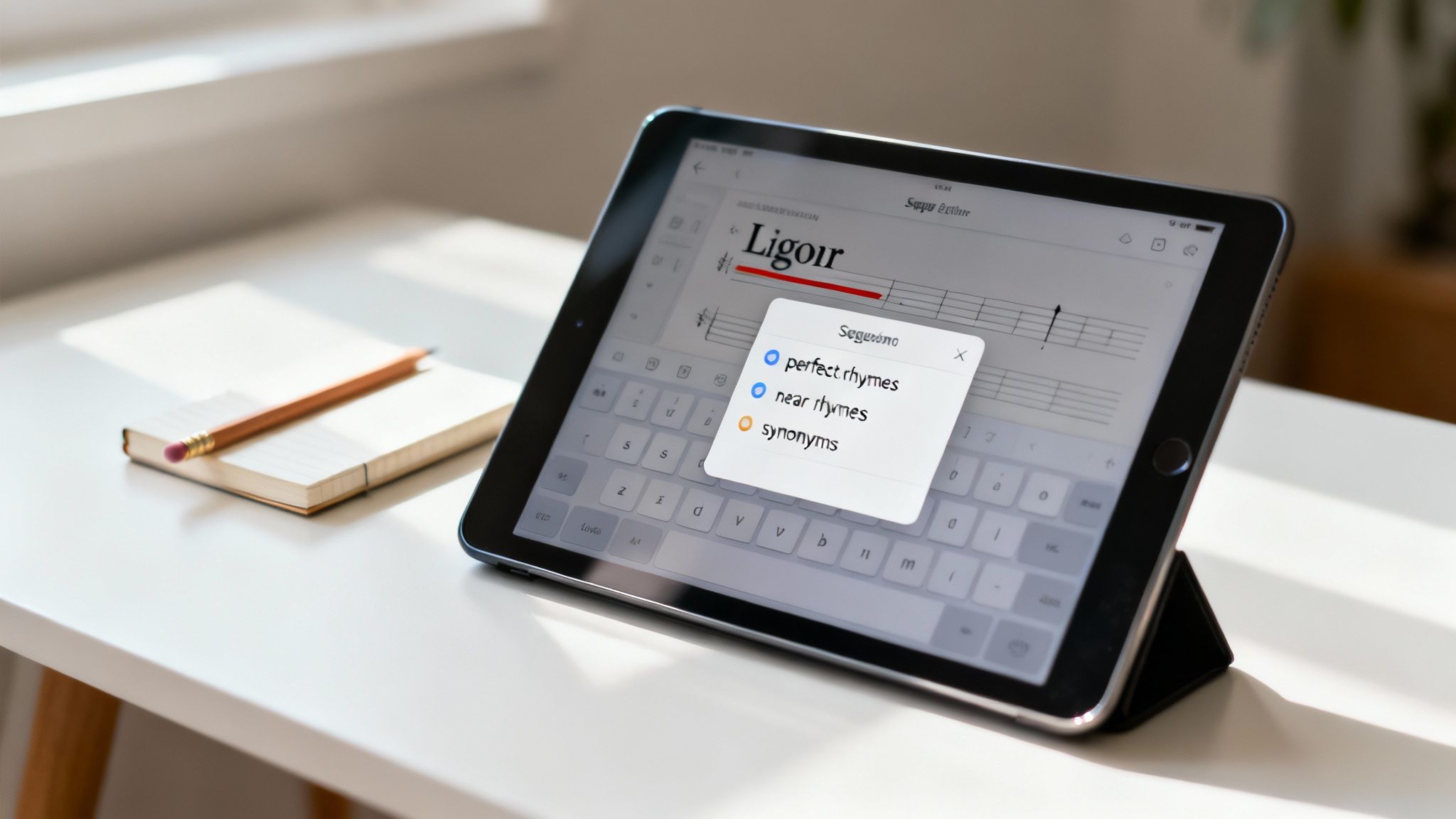
Just highlight any word in your lyric, and a list of powerful alternatives pops up right there in the editor. This isn't just about swapping for a random synonym; it’s about finding the perfect word that nails the emotion, rhythm, and meaning you're trying to convey. The integrated rhyme and thesaurus tools keep your momentum going while you play with different options.
Having your rhyme and thesaurus tools integrated into the writing space is a massive advantage. It keeps you focused on the song itself, preventing the kind of creative friction that kills inspiration.
This all-in-one approach is designed to keep you locked into your creative zone, which is absolutely critical for writing powerful lyrics.
Go Beyond Basic Rhymes
Finding the right rhyme is an art form in itself. A perfect rhyme can sometimes feel a bit cheesy or predictable. That's when a near rhyme or a slant rhyme can add a more modern, sophisticated feel to your lyrics. Lyric Studio's tools give you the full spectrum of options, all in one place.
Perfect Rhymes: Great for when you need that strong, classic punch.
Near Rhymes: These create a softer, more subtle connection that can make your lyrics sound more natural and conversational.
Synonyms: When the word itself is the problem, you can find alternatives that sharpen your imagery and drive your message home.
Having this kind of flexibility at your fingertips encourages you to experiment and build more intricate, memorable rhyme schemes. If you want to explore this more, we have an article on how to make rhymes faster that dives even deeper into different strategies.
Ultimately, the goal is to give your creativity a boost, not box it in. Lyric Studio acts like a personal editor, offering smart, context-aware suggestions to help you elevate every single line. Ready to make every word count? Download Lyric Studio free on iOS and start polishing your next hit. The app is free to download, with in-app purchases available.
Bring Your Song to Life with Beats and Vocals
Lyrics on a page are just the beginning. The real magic happens when those words meet music, and a great app for writing song lyrics needs to understand that. It’s about closing the gap between the words you write and the song you hear in your head. This is where you stop being just a writer and start thinking like a producer, all in one place.
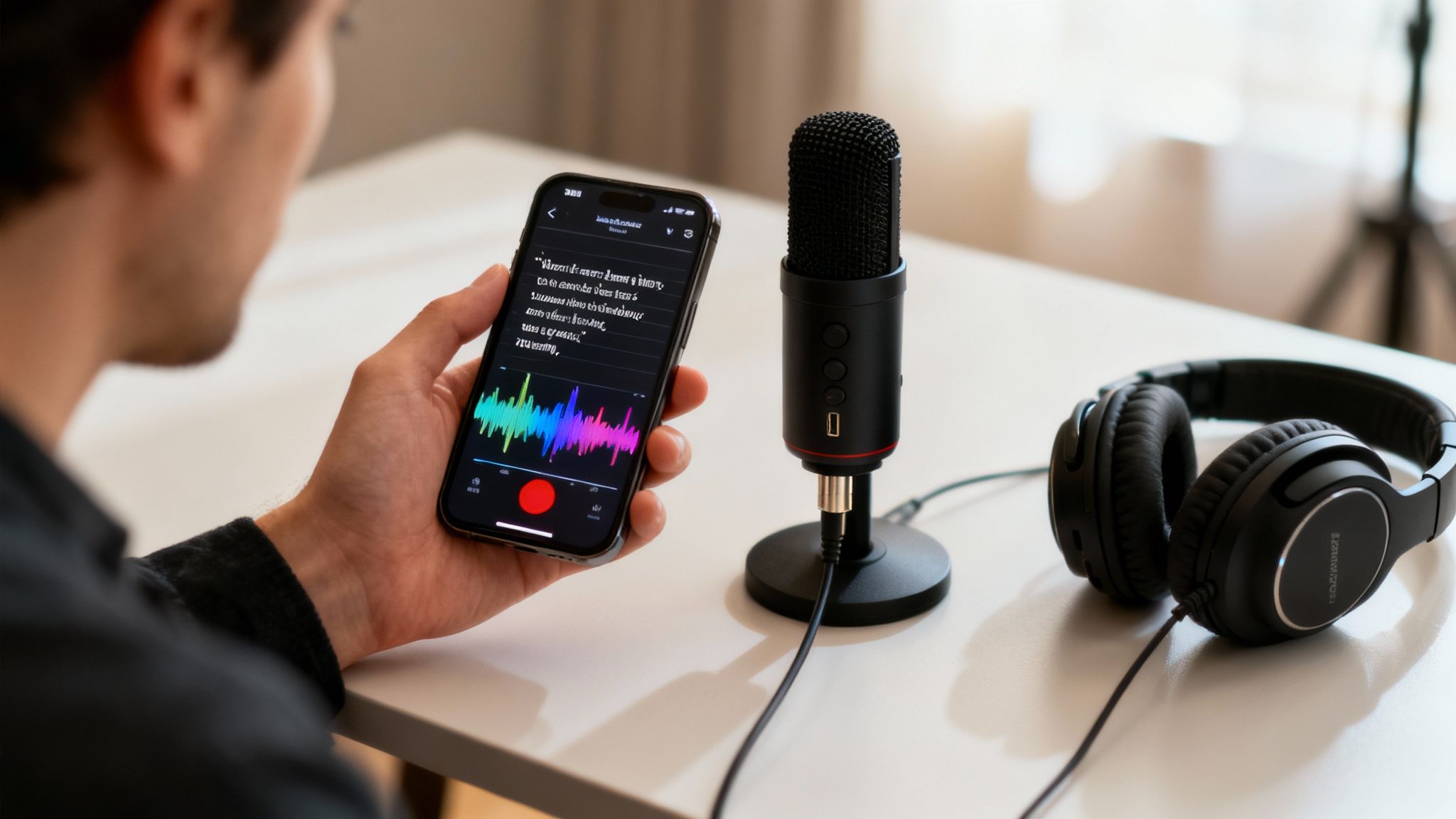
Honestly, writing directly to a beat is a game-changer. It’s how you find the pocket, lock into a groove, and make sure your lines hit with the right energy from the very first word.
Pair Your Lyrics with the Perfect Beat
It's so much easier to find your flow when you can feel the instrumental. Lyric Studio gets this, which is why it lets you pull your own beats right into the app. Got a loop you made? An instrumental from a producer friend? Just load it up and start writing alongside it.
This is absolutely essential for genres like hip-hop and R&B, where your cadence and delivery are just as important as the words themselves. When you write over the track, you can immediately hear how your words land, tweak syllable counts in real-time, and make sure your phrasing works with the rhythm, not against it. If you want to get better at this, check out our guide on how to write lyrics to a beat.
Lay Down a Vocal Take in Seconds
You know that moment when a melody or a specific vocal delivery just pops into your head? The last thing you want is to lose it while you switch over to a voice memo app. That’s why Lyric Studio has a built-in recorder, so you can lay down a rough vocal take right over your beat, right when inspiration hits.
This little feature basically turns the app from a lyric pad into a pocket-sized demo studio. You can mess around with different flows, test out a few melodic ideas, and actually hear what your lyrics sound like when you perform them. It's the quickest way to get a full song idea down before it disappears.
The real power here is having everything in one place. Your lyrics, your beat, and your vocal takes are all organized within the same project. This keeps your creative momentum going and ensures no brilliant ideas get lost.
This all-in-one approach is more important than ever. Think about it: music streaming now makes up 84% of the global recorded music industry's revenue, and that growth is fueled by artists creating and sharing their work faster than ever, often with the help of apps. You can find more data on this in reports about the expanding music app market.
Having a tool that supports the entire journey—from the first word to a recorded demo—is a must for modern musicians. It means you can build a complete song concept wherever you are.
Ready to hear your words come alive? Download Lyric Studio free on iOS and start building your next track. The app is free to download, though in-app purchases may apply.
Common Questions About Writing Songs with an App
Thinking about using an app for writing song lyrics? It's smart to have a few questions. You need to know if a tool will actually fit your workflow, whether you're just getting started or have dozens of songs under your belt. Let's dig into some of the most common things songwriters wonder about.
Probably the biggest question on everyone's mind is whether an app can genuinely help write original lyrics. It’s a valid concern, and the answer is a solid yes—but it's all about how you use the tool.
Can an AI App Really Help Me Write Original Lyrics?
Absolutely. Lyric Studio was built to be a creative partner, not a ghostwriter. The AI gives you context-aware suggestions based on what you've already written—your theme, your genre, your vibe—which is perfect for pushing past writer's block or just seeing your idea from a new angle.
You're always the one in the driver's seat. You decide which suggestions to use, which ones to tweak, and which ones to ignore completely. It's like having a co-writer who can spitball dozens of ideas in seconds, helping you land on that one perfect line that feels completely you.
Is Lyric Studio Good for Beginners?
For sure. In fact, it’s a fantastic place to start. A feature like Magic Draft can take a simple idea and spin up an entire first verse and chorus. This instantly gets rid of that intimidating blank page staring back at you.
From there, the integrated rhyme and thesaurus tools make finding the right words way less of a headache. The app basically walks you through the creative process, so you're learning the ropes of lyric writing as you go.
The whole point is to give you a space where ideas can actually grow. You get to focus on what you want to say instead of getting bogged down, which is how you develop your own unique voice.
This approach helps new writers get their confidence up and, more importantly, actually finish those first few songs.
Can I Use My Own Beats with This Songwriting App?
Yep, you can. Lyric Studio lets you pull in your own beats and write your lyrics right on top of the track. This is a game-changer for catching the right flow and making sure your words hit with the rhythm and feel of the music.
Once you’ve got your lyrics locked in with the beat, you can even use the built-in recorder to lay down a quick vocal. It’s a smooth way to go from an idea on a screen to a real demo, all in one app.
How Do I Get Started with Lyric Studio?
It couldn't be easier. Just head over to the Apple App Store, find Lyric Studio, and you can be working on your first song in minutes. It's free to download, so you can jump right in and see how tools like Magic Draft and the lyric editor work for you.
Search for Lyric Studio on the App Store.
Download the app for free.
Open it and start writing!
Just a heads-up, the app is free to download and use, but there are some optional in-app purchases if you want to unlock more advanced features.
Ready to stop staring at that blank page and start finishing songs? With smart AI suggestions, genre-specific tools, and a built-in recorder, Lyric Studio is the creative partner you’ve been looking for. Download Lyric Studio free on iOS and see for yourself.

SCAN TO GET